When the Alarm Cries Wolf: How Notification Overload Is Quietly Undermining Your Personal Safety

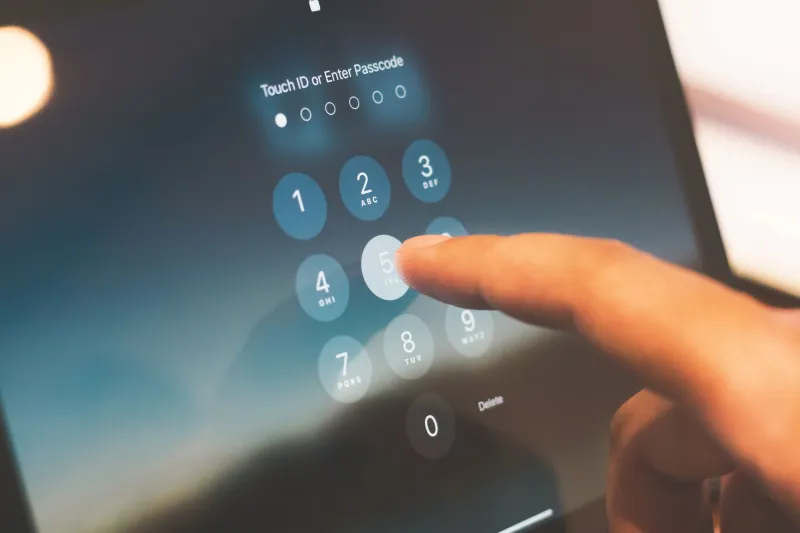
Photo: Sahibdin, CC0, via Wikimedia Commons
There is a particular kind of exhaustion that comes not from doing too much, but from being warned too often. If your personal safety app sends you a dozen alerts before noon—a location check-in reminder, a neighborhood activity ping, a routine safety prompt, a weather advisory—you may have already stopped reading them carefully. That moment of inattention, however brief, is exactly the vulnerability that alert fatigue creates.
For families using digital safety platforms to monitor loved ones and coordinate emergency responses, this is not a minor inconvenience. It is a structural flaw in how many users engage with the very tools meant to protect them.
What Alert Fatigue Actually Means
Alert fatigue is a recognized phenomenon in behavioral psychology and occupational safety research. It occurs when repeated exposure to signals—particularly low-stakes or false-positive ones—causes individuals to become desensitized, reducing both their response time and the quality of their attention when a genuine alert arrives.
The concept is perhaps most thoroughly documented in clinical settings. Studies of hospital monitoring systems have shown that medical professionals, bombarded by hundreds of alarms per shift, begin to override or ignore alerts at alarming rates—sometimes missing critical ones as a result. The same cognitive mechanism applies to consumer safety technology.
When a personal protection app conditions you to expect routine pings throughout the day, your brain begins to categorize all notifications from that source as low-priority background noise. The physiological arousal that once accompanied each alert diminishes. You swipe, dismiss, or simply stop looking.
The Everyday Scenarios Where This Goes Wrong
Consider a parent who has configured a family safety app to send check-in reminders every two hours, location updates whenever a child transitions between zones, and daily summaries of app activity. Over time, the parent's phone becomes a ticker tape of safety data—most of it confirming that nothing unusual is happening.
Then one afternoon, a genuine deviation occurs. A teenager's location stops updating. An SOS feature is triggered. But the notification arrives in the same format, with the same visual weight, as the forty routine alerts that preceded it that week. The parent, conditioned by repetition, takes an extra four minutes to notice. In a genuine emergency, four minutes is not a small number.
This is not a hypothetical edge case. Safety professionals and app developers alike acknowledge that the design challenge of balancing user engagement with meaningful alerting remains one of the most difficult problems in consumer safety technology. Too few notifications and users feel unsupported. Too many and the system trains them to disengage.
The Psychology Behind the Problem
Behavioral researchers refer to this dynamic as habituation—the process by which repeated stimuli produce progressively weaker responses. It is an adaptive mechanism under normal circumstances; your brain learns to filter out the hum of the refrigerator or the background noise of a busy office so it can focus on novel information.
The problem arises when safety alerts become part of that filtered background. Once habituation takes hold, distinguishing a critical warning from a routine reminder requires conscious effort rather than automatic attention. And conscious effort is not always available—particularly during the distracted, multitasking moments that define modern American daily life.
There is also a secondary effect worth noting. Frequent low-stakes alerts can create a baseline sense of anxiety that, paradoxically, encourages users to dismiss notifications more aggressively in order to reduce stress. In other words, the app designed to make you feel safer may be contributing to a psychological state that makes you less responsive to danger.
Calibrating Your App for Vigilance, Not Volume
The solution is not to disable your safety app or to reduce its functionality. The goal is to restructure how and when it communicates with you, so that each notification retains meaningful weight.
Audit your current notification settings. Most safety platforms allow granular control over which events trigger alerts and how they are delivered. Spend fifteen minutes reviewing every active notification in your app. Ask yourself whether each one requires an immediate response or whether it is simply informational. Informational updates—routine check-ins, daily summaries, non-urgent activity logs—can often be consolidated into a single daily digest rather than delivered as individual interruptions.
Establish a tiered alert hierarchy. Work with your app's settings to create a clear distinction between routine communications and genuine emergency signals. If your platform supports it, configure critical alerts—SOS activations, missed check-ins beyond a defined threshold, geofence breaches—to use a distinct notification sound, color, or delivery method. Visual and auditory differentiation helps interrupt habituation.
Set scheduled review windows for non-urgent data. Rather than allowing your app to push routine location updates throughout the day, designate two or three specific times when you will actively review non-emergency information. This preserves your attentional resources for moments when an alert genuinely demands immediate action.
Involve the whole family in the calibration process. If you are managing a family safety setup, the notification architecture affects every member of the household. Discuss collectively which alerts are meaningful to each person and which are creating noise. A teenager who receives constant location pings from a parental monitoring feature may begin ignoring the app's interface entirely—including the emergency tools embedded within it.
Periodically reset your baseline. Alert fatigue compounds over time. Even a well-calibrated notification system can become normalized after several months of consistent use. Schedule a quarterly review of your app settings to reassess whether the current configuration still commands appropriate attention or whether adjustments are needed.
The Broader Principle at Stake
Personal safety technology is most effective when it amplifies human awareness rather than substituting for it. A safety app that floods your attention with constant input is not extending your protective capabilities—it is competing with them.
The families and individuals who get the most from digital protection tools are not necessarily those who use the most features. They are the ones who have taken the time to understand how their tools communicate, and who have made deliberate choices about what deserves their attention and when.
At GetSafe, the underlying premise is straightforward: safety should be accessible and actionable. An alert you notice and act upon is worth infinitely more than ten alerts you have learned to ignore. Protecting that attentiveness—treating it as a resource to be conserved rather than a given—is as important as any feature your app provides.
The cry-wolf effect is real, and it is operating quietly inside the devices many Americans trust with their personal safety every day. Recognizing it is the first step toward making sure that when it truly matters, the alarm still means something.